Language support in mind maps
Display languages in mind maps in Advanced Product Designer
Advanced Product Designer mind maps support multilingual product labels by letting you define text for two languages in a single map using a caret separator. To support more languages, create a separate mind map for each language pair so translated labels appear in the PolicyCenter user interface.
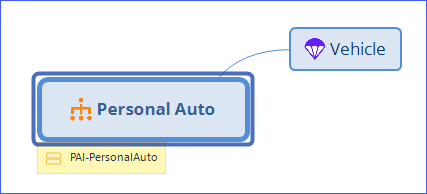
You can define mind maps with text for two languages. In the map, use a caret (^) to separate
the text for each language, for example Tariff Fahrzeuge^Tariff Motor, where
the first string is the translated string and the second string is the string in the default
language for your instance.
To add languages, create a mind map for each language. For example, if the default
application language is US English and a product requires French and German, create a
French/English mind map and a German/English mind map. The en_US English is
used to match the names.
German/English mind map
In a German/English mind map, the product line name appears first in German (Tariff Fahrzeuge) and then in English (Tariff Motor):
Tariff Fahrzeuge^Tariff Motor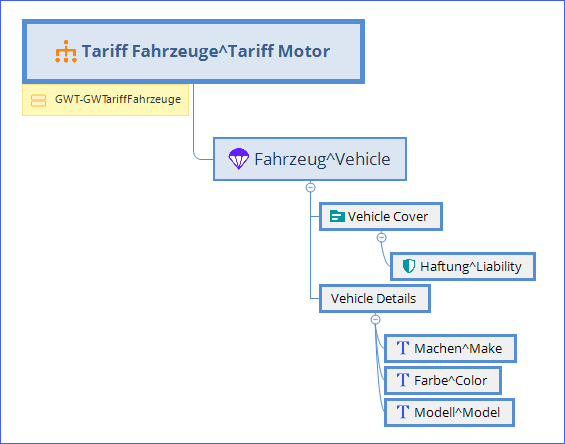
Japanese mind maps in Advanced Product Designer
Advanced Product Designer requires the Meiryo UI font to display Japanese text in XMind mind maps.
To create XMind mind maps with Japanese text, you must have the Meiryo UI font installed.