Repository settings
Use the Repository Settings app or the Repository Settings API to customize your repository settings so that they better fit your development practices.
Access to this application can be managed by:
-
Guidewire Hub
For details, see Access Cloud Platform apps and services.
-
Access Management
For details, see Guidewire Cloud Platform (GWCP) roles and permissions.
You can add the following repository settings:
-
Set conditions for merging pull requests.
-
Select reviewers that will be automatically added to pull requests.
-
Set which users and groups of users can perform activities on a repository.
-
Set tasks that are automatically added to pull requests.
-
Configure deleting the source branch after merging pull requests and automatic merges.
Supported repositories
You can customize settings only for active repositories that store the source code of the following apps:
-
InsuranceSuite (
PolicyCenter,BillingCenter,ClaimCenter,ContactManager) -
Guidewire Testing Framework (
GuidewireTestingFramework) -
EnterpriseEngage (
DigitalPortals) -
Lifecycle Manager (
InsuranceConfiguration) -
Jutro
-
Integration Gateway
-
Extension Layer
Access repository settings
Access to this application can be managed by:
-
Guidewire Hub
For details, see Access Cloud Platform apps and services.
-
Access Management
For details, see Guidewire Cloud Platform (GWCP) roles and permissions.
To access repository settings:
-
Select a star system.
-
From Apps
 , select Repository Settings or select it from your pinned apps.
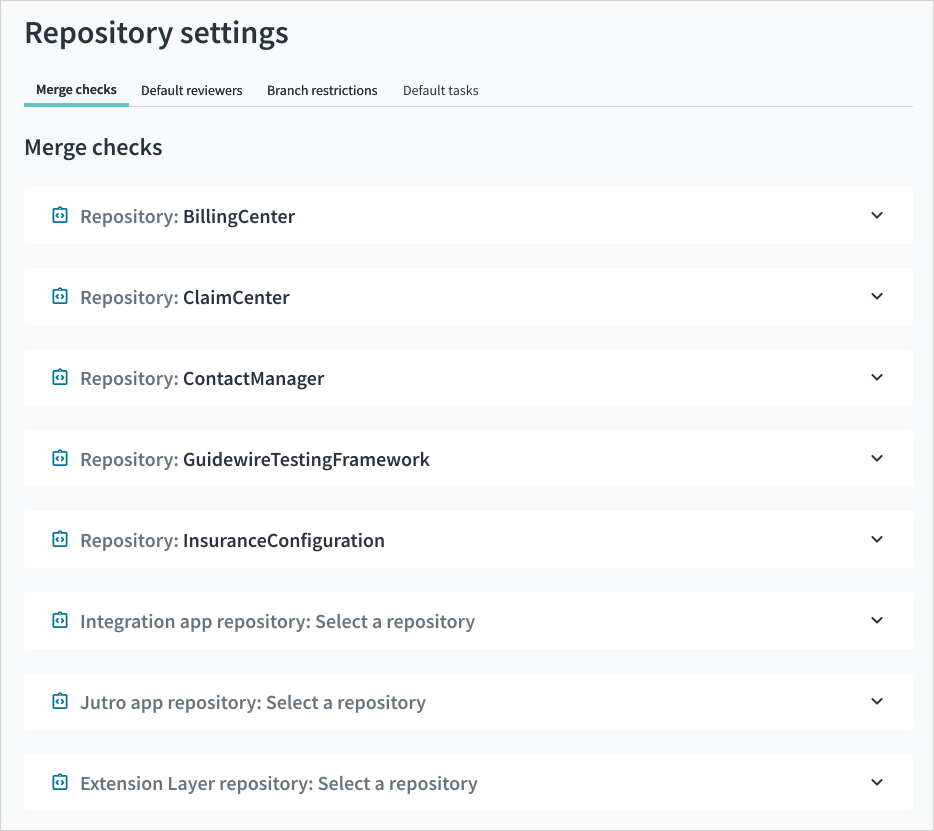
You can also manage repository settings with the Repository Settings API.