Examples
Check out the Usage section for details about how to design an avatar properly, and the different configuration options we provide.
Basic example
A basic avatar renders a button that contains a circular image. By default it displays the Person Icon from Jutro's icons package.
import { Avatar } from '@jutro/components';

<Avatar/>
Custom icon example
The icon property allows you to use any Jutro icon as the default icon. For more information about Jutro icons, see the Icon component page.
import { Avatar } from '@jutro/components';
import { HelpIcon } from '@jutro/icons';

<Avatar icon={HelpIcon}/>
Image example
The avatar component will display any arbitrary image with the imageSource property. The image will be resized to fit within the circle. In the example below, the source is a 32x32 square image that becomes resized to fit within the default circle.
import { Avatar } from '@jutro/components';

<Avatar imageSource='/path/to/image'/>
Auth info example
You can set the avatar component to display the authentication client's content using the useAuthInfo property.
import { Avatar } from '@jutro/components';

<Avatar useAuthInfo/>
Username example
The username property will be used as alt text. Additionally, if no imageSource is set the initials from the username string will be displayed instead of an icon.
import { Avatar } from '@jutro/components';

<Avatar
  username="John Doe"
  imageSource='/path/to/image'
/>
<Avatar
  username="John Doe"
  icon={HelpIcon}
/>
<Avatar
  username="John Doe"
/>
Usage
Overview
The avatar is an object that appears in the global header and represents a user's identity. It provides access to the user's profile and generic settings, as applicable. Avatars strengthen the connection between users and products. They also give users a degree of personalization.
Anatomy
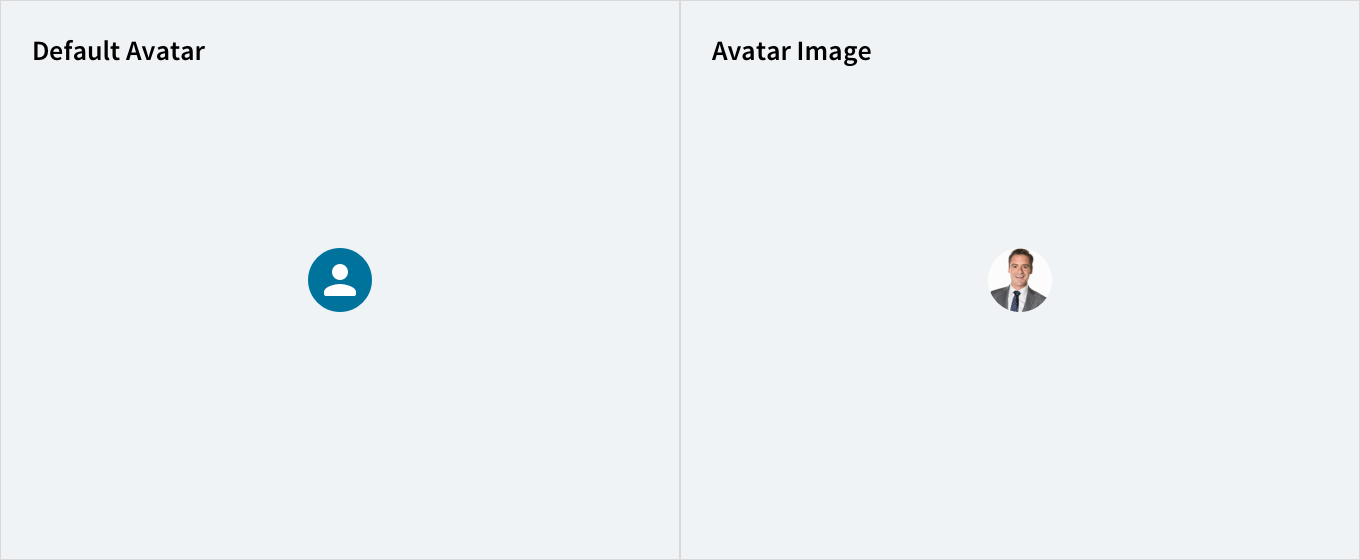
Avatar image
Avatar dropdown
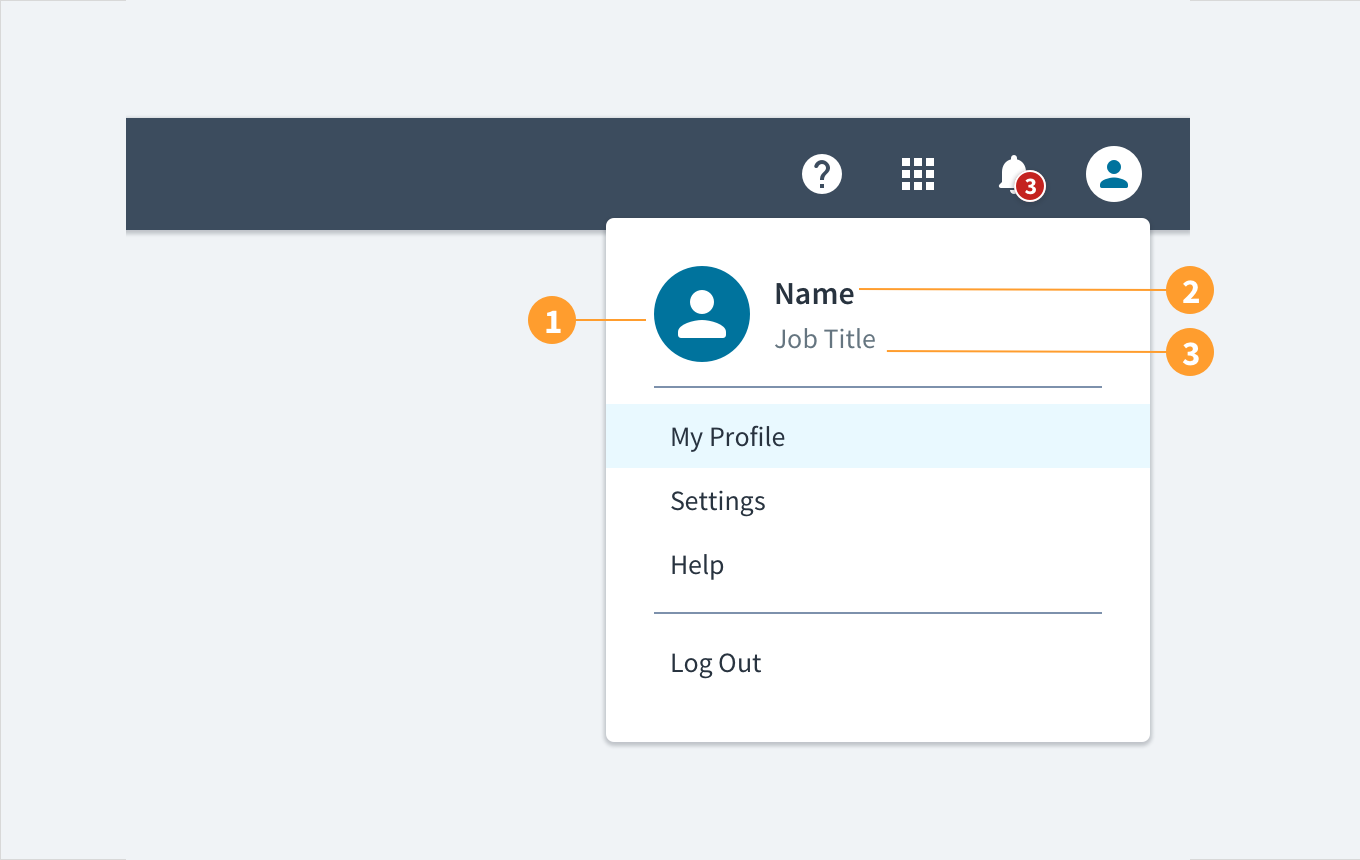
Avatars appear as circular graphics in the top right-hand corner of a header and its associated dropdown menu. Users can upload an image to display. By default (if no image is uploaded), the avatar displays the user's first and last initials. Avatar dropdown menus also provide the user's name and title as text labels.
Avatar with uploaded image (contained)
Avatars consist of the following elements:
- Default or uploaded image: users may upload an image, which appears as a circular graphic, as their avatar.
- Name label: under the avatar dropdown menu, the user's name appears as an anchored text label.
- Role title: under the avatar dropdown menu, the user's role or title appears under their name.
Best practices
- Use avatars to indicate where users can access their profile and generic settings.
- Use avatars consistently in an experience or set of interrelated products.
- Use avatars to strengthen the connection between a product and its users.
- Use avatars to provide users with a degree of personalization.
Responsiveness/Adaptiveness
- Jutro avatars come in a variety of sizes to accommodate different form factors.
- Like most components, avatars can be distributed, sized, and arranged by our
<Grid> and <Flex> components as part of Jutro's commitment to responsive design.
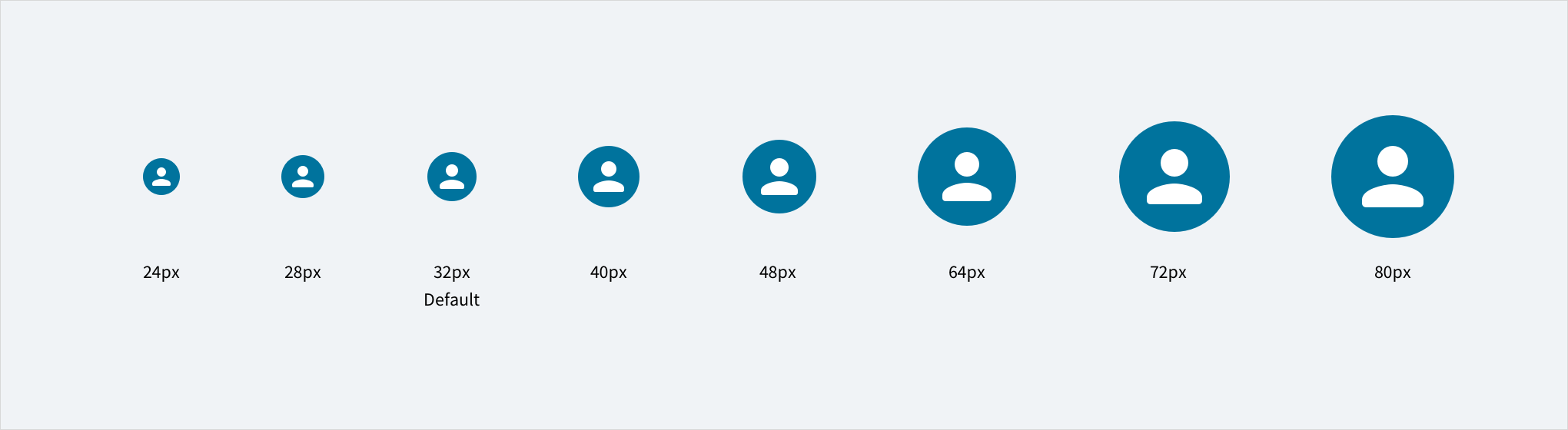
(Replace this image with a new one that also shows the relative header size to be used with each and also indicates what sizes are used on desktop, tablet and mobile phone)
Interactions
Mouse
- Hovering over the avatar's circular graphic displays a tooltip with the user's name.
- Clicking the avatar's circular graphic displays a dropdown menu.
- Moving the mouse cursor over the text labels within the dropdown menu highlights them.
Keyboard
The avatar header functions as a button. SPACEBAR & ENTER expand & collapse the panel content within it.
Screen reader
Alternative text can be set in the username field. With no value specified, the value defaults to 'User Avatar'. The WAI-ARIA attribute of aria-haspopup="true" alerts screen reader users to the presence of content within the avatar. The aria-expanded attribute toggles between 'tr
Error conditions
When no image is available for the avatar, the user's initials appear instead. If the user's initials can't be rendered (for example, names that don't use Latin characters), a default icon displays instead.
Accessibility
The contrast ratio of textual elements against their background is above 4.5:1 as per WCAG 2.1 AA requirements. Non-textual content that needs to convey meaning (such as icons and keyboard focus visibility) has a contrast ratio of at least 3:1 with its adjacent colors. All content is visible and functional up to and including 400% without requiring scrolling in two dimensions.
This component has been validated to meet the WCAG 2.1 AA accessibility guidelines. However, changes made by the content author can affect accessibility conformance.
Within your application, ensure that if alternative text is specified, it is meaningful.
Note: The @jutro/auth dependency is now optional for
@jutro/router and @jutro/components packages.
However, the Avatar component requires
@jutro/auth to be added to your app dependencies to be used.
Code
import { Avatar } from '@jutro/components';

<Avatar/>
Import statement
import { Avatar } from '@jutro/components';
Component contract
Make sure to understand the Design System components API surface, and the implications and trade-offs. Learn more in our introduction to the component API.
Properties
className
DescriptionCSS class name for this component.
icon
Typestring | React.ComponentType
DescriptionAn Icon component or icon name. For example, CheckIcon or 'gw-check'
imageSource
DescriptionPath to an image. If provided, it takes precedence over the user's initials or an icon.
DescriptionIf true, the component will be rendered as span instead of a button.
messageProps
DescriptionMessage props for an error message or aria-label.
onClick
Typefunction (React.MouseEvent<HTMLElement>)
showImageBorder
DescriptionIf true, a border will be displayed around the component.
useAuthInfo
DescriptionIf true, displays the user's information based on the authentication client instead of the passed props.
username
DescriptionUser's first and last names, used as the component's alt text and to display initials if no image is selected.
Hooks
No hooks are available for avatar.
Translation keys
There is one translation key associated to the avatar component:
| Key | Used for |
|---|
| jutro-components.widgets.Avatar.useravatar | aria-label value for the avatar image |
Escape hatches
For more information, see our documentation about escape hatches.